AI Chinese Filter
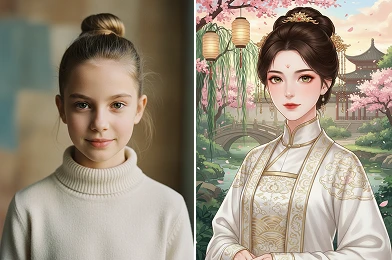
Transform your photos into stunning Chinese-style visuals using an AI Chinese filter and experience the elegance of traditional Chinese art and cultural aesthetics.
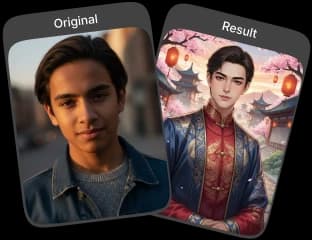
Upload Original Image
or drag and drop PNG, JPG or WEBP
Sample Images

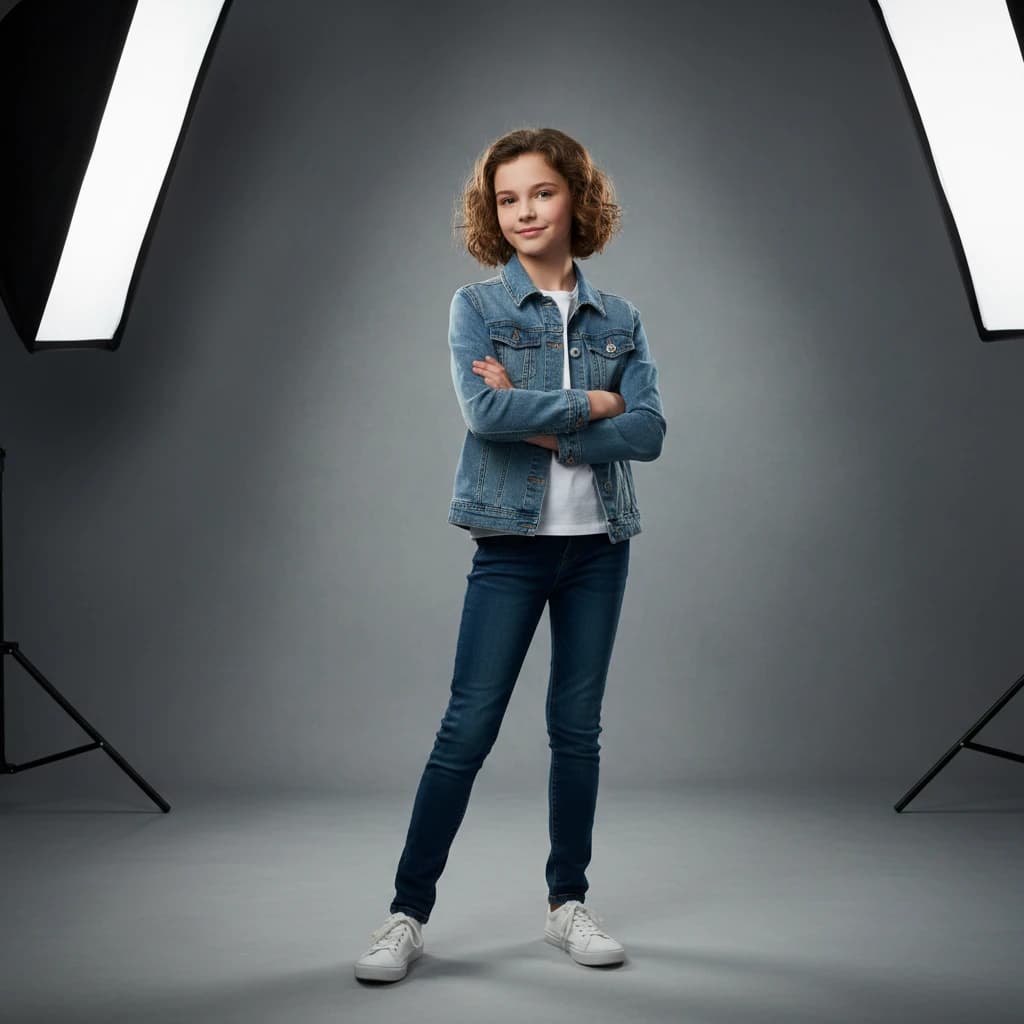

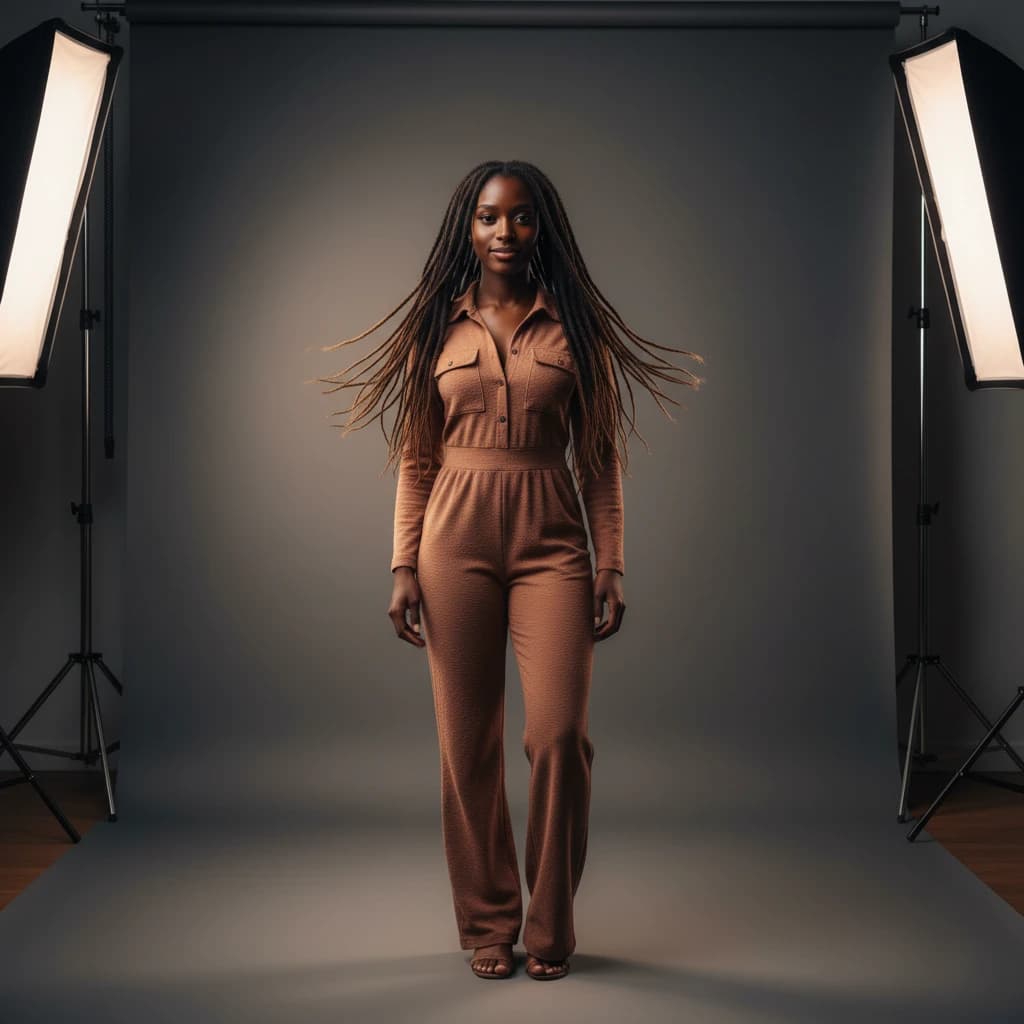

See How Good These Results Look
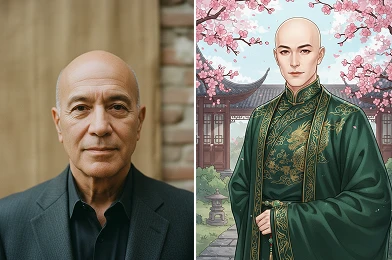
How to Use AI Chinese Filter?
Transform your photos with a traditional Chinese aesthetic in three easy steps.
Upload Your Photo
Select a photo from your device to begin the transformation process.
Apply AI Chinese Filter
Our AI will automatically apply the Chinese filter to your uploaded image.
Download Your Artwork
Save the newly generated image with the applied filter to your device.
Benefits You’ll Enjoy
Effortless Beauty Enhancement
Enhance your photos with refined visual styling that highlights natural features while applying a graceful Chinese-inspired aesthetic.
High-Quality AI Rendering
Advanced AI processing ensures smooth textures, balanced details, and visually polished results across different photo types.
Online and Hassle-Free
Apply the AI Chinese Filter directly through an online interface designed for simplicity and ease of use.
Save Time on Photo Styling
Achieve a complete artistic look without manual adjustments, allowing you to style photos efficiently and consistently.
Pro Tips for Best Results

Start With a Clear Photo
For the best outcome with our AI Chinese Filter, begin with a high quality photo. Clear, well lit portraits work best.

Keep Facial Features Visible
Ensure your face is not covered by hair, glasses, or accessories so the AI Chinese Filter can detect features precisely.

Maintain Natural Expressions
Neutral expressions align better with traditional artistic styles and deliver more refined results.
Try More Popular Image Effects


Frequently Asked Questions
 FaceSwapper
Ship faster with reliable pipelines, actionable insights, and enterprise‑grade controls - all in one platform.
All Copyright reserved @ 2026 FaceSwapper