Free AI Angel Halo Filter
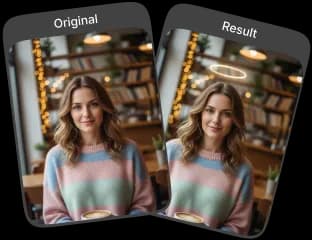
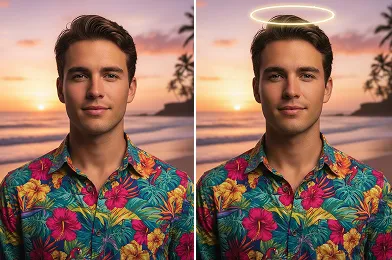
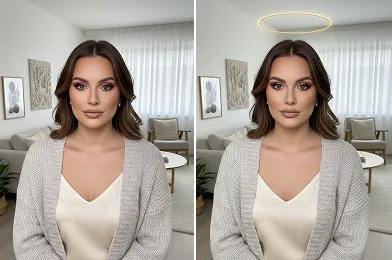
Create a heavenly look with our AI Angel Halo Filter. Add a realistic angel halo to your photos and achieve a soft, Victoria’s Secret–inspired angel aesthetic.
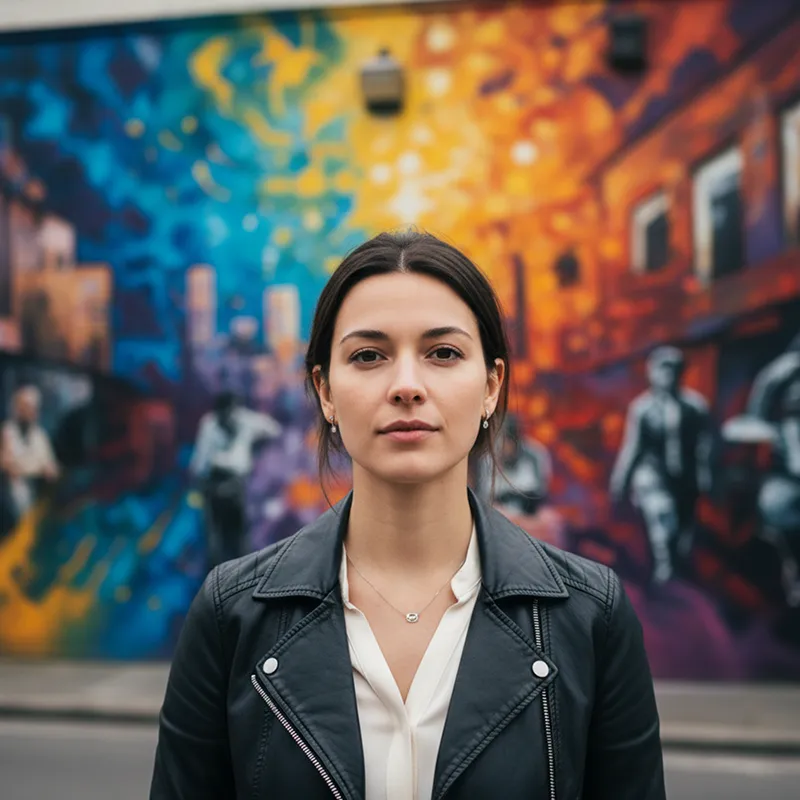
Upload Original Image
or drag and drop PNG, JPG or WEBP
Sample Images




Before & After Transformations
How to Use AI Angel Halo Filter?
Use these easy steps to apply the angel halo effect to your photo.
Upload Image
Upload your photo to start using the AI Angel Halo Filter.
Apply Photo Effect
Click Apply Photo Effect and let the AI add the angel halo to your image.
Download & Share
Download the edited photo and save or share it as needed.
Why Choose the AI Angel Halo Filter
Enhances Profile and Portrait Photos
Add a subtle angel halo that elevates profile and portrait images while keeping a natural, balanced look.
Refined and Natural Aesthetic
The filter blends seamlessly with your photo, creating a clean, polished finish without overpowering the image.
Ideal for Sharing Online
Make your photos more engaging on social platforms with an artistic angel halo effect.
Easy and Intuitive to Use
Apply the effect effortlessly and achieve professional-looking results without complex editing.
Pro Tips for Your AI Angel Halo Filter

Start with a Clear Photo
For the best results, use a clear and well lit photo. This helps the AI Angel Halo Filter create a more defined and convincing halo.

Frame Your Subject Well
Frame your photo so the subject’s head is clearly visible. This allows the AI Angel Halo Filter to position the halo correctly.

Consider the Background
Select an image with a simple, uncluttered background. This allows the AI Angel Halo Filter effect to be the prominent feature.
See Other Cool Image Effects

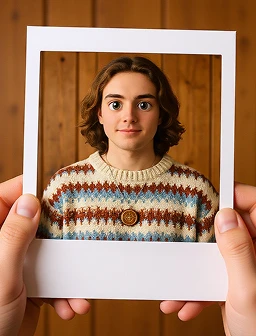

FAQs About AI Angel Halo Filter
 FaceSwapper
Ship faster with reliable pipelines, actionable insights, and enterprise‑grade controls - all in one platform.
All Copyright reserved @ 2026 FaceSwapper