Add Smoke to Photo
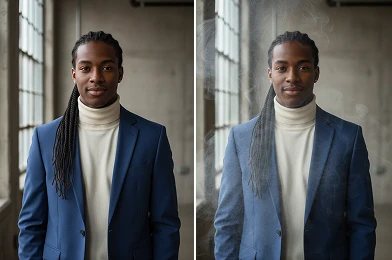
With Add Smoke to Photo, you can apply smoke effects that blend naturally with lighting and composition. The AI ensures the smoke enhances the image rather than distracting from key details.
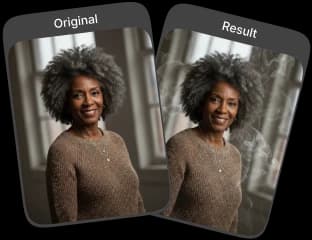
Upload Original Image
or drag and drop PNG, JPG or WEBP
Sample Images

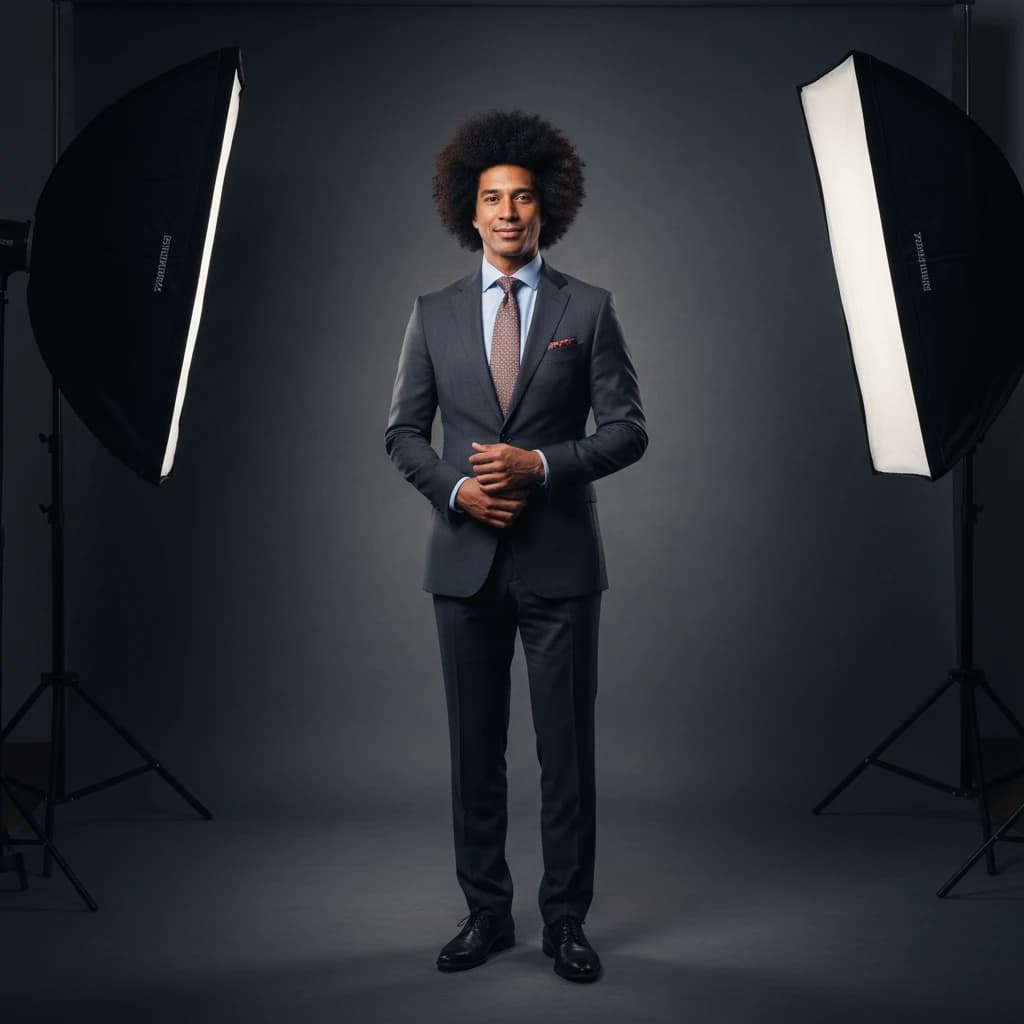
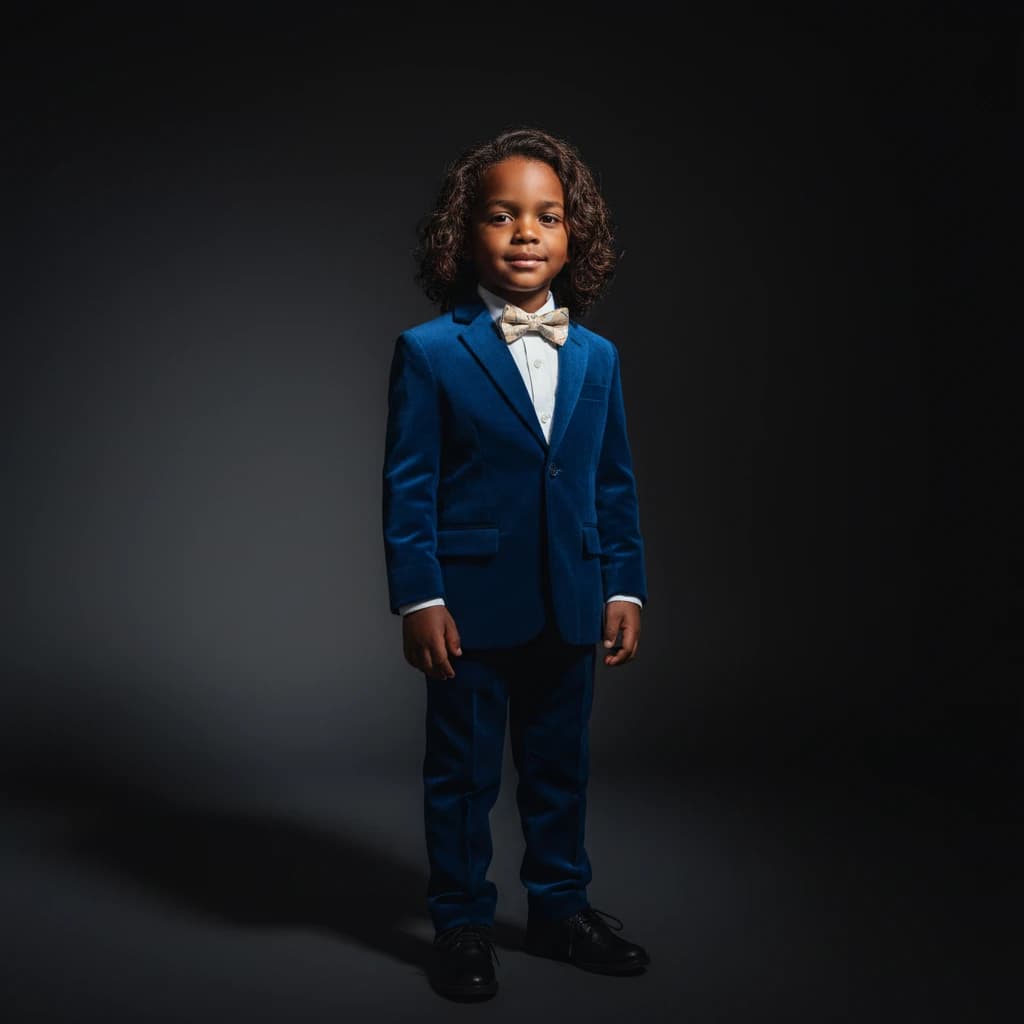


Visual Results You'll Love
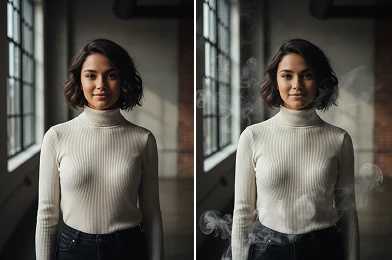
How to Add Smoke to Photo?
Follow these simple steps to add a realistic smoke effect to your images.
Upload Image
Choose the image from your gallery that you want to enhance with smoke.
Apply Photo Effect
Once your photo is uploaded, click 'Apply Photo Effect'. AI analyzes your image and adds smoke smoothly.
Download & Share
Download your new photo with the added smoke effect to share it.
Why Users Love It
Create a Moody Atmosphere
Add smoke to photos to create drama or mystery, giving images a unique and memorable character.
Easily Create Cinematic Effects
Turn ordinary photos into cinematic scenes with smoke, enhancing storytelling without complex editing.
Achieve Natural Looking Results
Smoke blends seamlessly with your image, complementing lighting and composition for authentic results.
Quick and Intuitive Editing
Add smoke to photos easily and efficiently, letting users of all skill levels enhance images instantly.
Pro Tips for Adding Smoke to Photos

Start With a High Quality Image
For the best outcome, use a high resolution picture. A clear, sharp image helps when you add smoke to a photo.

Keep the Subject Visible
When you add smoke to a photo, make sure important facial features or focal points remain clear and unobstructed.

Avoid Overcrowding the Image
Too much smoke can distract from the main subject. Keep it balanced to enhance, not overpower, the photo.
Try More Popular Image Effects


Frequently Asked Questions
 FaceSwapper
Ship faster with reliable pipelines, actionable insights, and enterprise‑grade controls - all in one platform.
All Copyright reserved @ 2026 FaceSwapper